Introducing OpenVideoKit
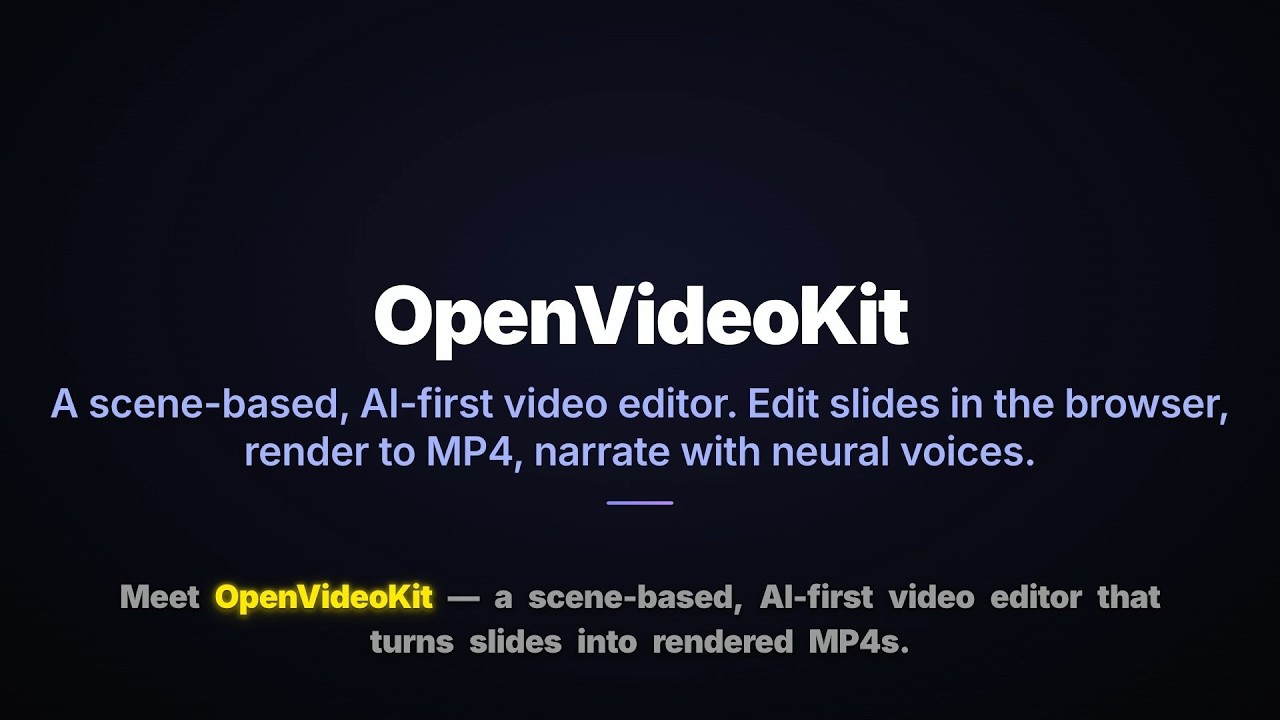
OpenVideoKit is a scene-based, AI-first video editor. You edit slides in a
browser UI, a Python server stamps values into self-contained GSAP
compositions, <hyperframes-player> renders them live, and edge-tts generates
the voiceover. Export to MP4 via HyperFrames.
Watch the demo
Template showcase
A walkthrough of the editor, the template catalog, and an end-to-end render.
Text-to-Speech engine — 7 languages in 44 seconds
edge-tts voiceover showcase, cycling through seven locales on the same slide:
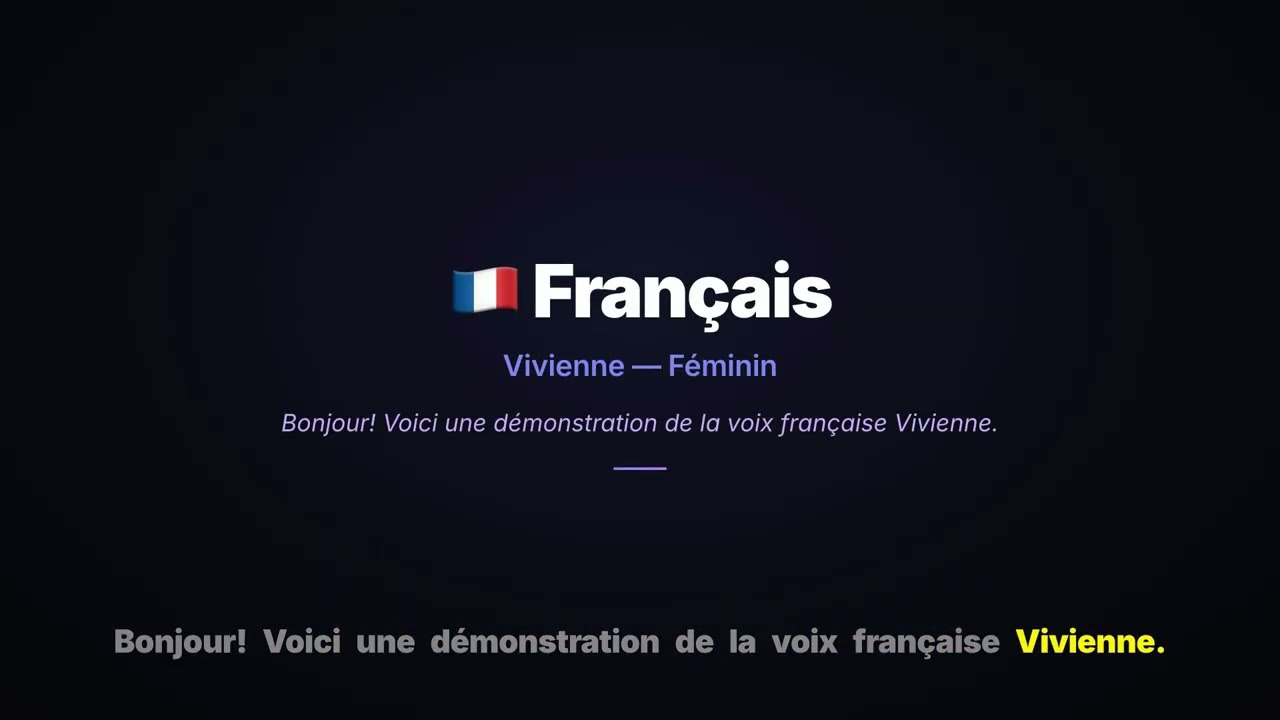
Cycle: 🇺🇸 Ava Multilingual → 🇫🇷 Vivienne → 🇩🇪 Florian → 🇯🇵 Nanami → 🇻🇳 Hoài My → 🇨🇳 Xiaoxiao → 🇧🇷 Thalita → 🇺🇸 Ava Multilingual.
Browse the catalog
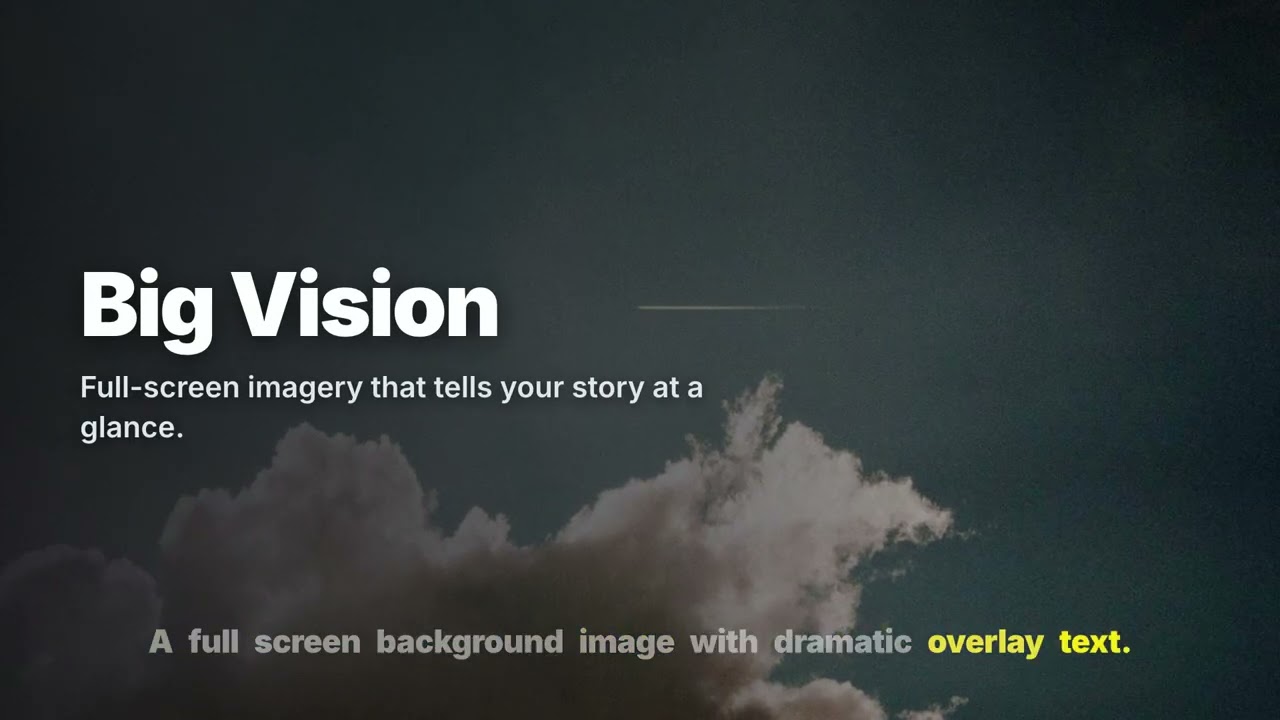
The showcase above draws from the 25 curated slide layouts that ship with
OpenVideoKit — titles, charts, kinetic typography, SVG diagrams, and more.
Each one is a bare <template> that you, the AI copilot, or any MCP-connected
agent can apply to a slide in a single call. 👉 Browse the templates gallery
→ for live video previews of every layout, field defaults, and
the HTML source.
A built-in AI copilot
A LangGraph agent reads your project with read-only tools and proposes edits
as the same EditOps a human dispatches. You accept or reject each proposal;
undo/redo works uniformly. “AI flow == human flow” isn’t a slogan — it’s how
the EditBus is wired.
- One proposal per turn, then STOP — no autonomous editing.
- Accept/Reject receipts are fed back to the model so it learns from “no”.
- HTML lint, voice-id validation, and prompt-injection guards gate every edit.
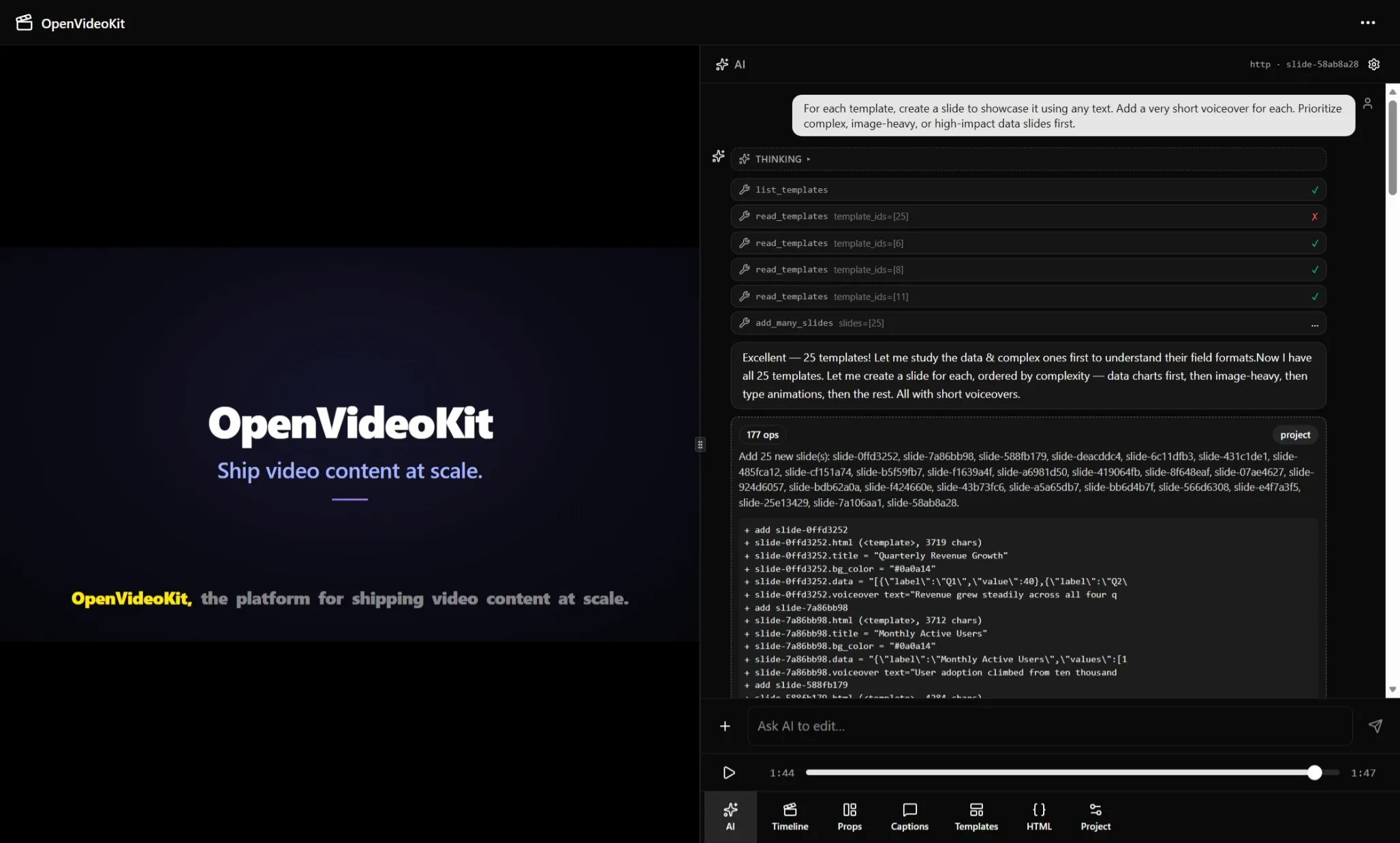
The editor showing the AI prompt that generated the demo video above.
MCP for any agent
The MCP server is enabled by default at /mcp/. Claude Code, Cursor, Gemini
CLI, and Goose connect directly to the same 28-tool API the copilot uses —
no file scraping, mutations go through the official Python API.
Bring your own key
Works with OpenAI, OpenRouter, Ollama, vLLM, and LM Studio. Inference runs on your own machine; the cloud control plane never proxies and never charges. Local / BYO-key AI is free forever.
WYSIWYG by construction
Preview and MP4 export share one HyperFrames engine. “It looked different when I exported” is structurally impossible.
Ready to dive in? Browse the templates gallery →, then grab the source on GitHub.